
Are You Using Your Postage Meter Right? Settings That Cut Costs
Are you throwing money away with your postage meter? Knowing how to adjust your postage settings is important for saving money and improving efficiency. By choosing the correct postage class and using bulk mailing choices, you can reduce costs. Learn practical ways to improve your mailing process while staying within your budget. Don’t let old habits hold you back-let’s see how to save money effectively!
Importance of Postage Meters
Investing in a postage meter can save businesses up to 30% on mailing costs by streamlining their postage management and improving cost control.
Postage meters make work easier by printing postage automatically. They help save on labor costs and reduce mistakes made by people, thus enhancing mailroom efficiency.
For example, firms using a model like the Pitney Bowes DM225 can process up to 65 letters per minute, drastically cutting down the time spent on manual postage, which contributes to operational efficiency.
Features such as online postage management allow businesses to track usage and analyze trends, leading to informed budget decisions. To better understand the financial implications, you might want to explore our buying guide on postage meter rentals which delves into cost structures and renting options.
Studies indicate that companies using postage meters see an average ROI within six months due to these combined savings and efficiencies, enhancing their overall cost-effective mailing strategies.
Overview of Cost-Cutting Settings
Configuring your postage meter correctly can drastically lower your shipping expenses, with settings that can save businesses hundreds of dollars annually.
- Start by selecting the appropriate postage class; using First-Class instead of Priority Mail can save about 30% on lighter packages.
- Getting the exact weight of a package is important because a slight overestimate can increase shipping expenses.
- Many postage meters allow for weight adjustments and can even provide cost comparisons for different classes. Review any discounts available for bulk shipping.
- Regularly adjusting these settings can help you keep saving money and avoid paying too much for shipping.
Understanding Your Postage Meter
Knowing how your postage meter works helps you save money and send mail faster. For those interested in understanding the costs involved, our deep dive into postage meter rental costs provides valuable insights.

What is a Postage Meter?
A postage meter is a device that enables businesses to print postage on mail, offering a more efficient and cost-effective alternative to traditional stamps.
These meters make mailing easier by figuring out the postage based on the package’s weight and where it’s going. Models like Neopost IS-370 and Pitney Bowes SendPro come with built-in scales and advanced tracking features.
After affixing the postage, users can also easily manage postage expenses and access detailed reporting. Setting up a postage meter typically requires a small initial investment and a monthly fee, but the savings gained in time and postage costs often quickly offset these expenses.
How Does a Postage Meter Work?
Postage meters work by calculating and printing the exact postage required for letters and packages, based on weight and mailing class.
The process begins with entering the item’s weight into the postage meter. For instance, if you have a letter that weighs 2 ounces, the device checks its internal database to find the right postage rate for First-Class Mail.
Next, the meter calculates the total cost, factoring in any additional services like tracking shipments or insurance. After confirming the details, you simply press `Print,’ and the meter stamps the envelope with the appropriate postage.
Checking postage use regularly can help follow postal rules and monitor shipping costs.
Common Settings That Affect Costs
Changing certain settings on your postage meter can help you save money and make mailing more efficient.
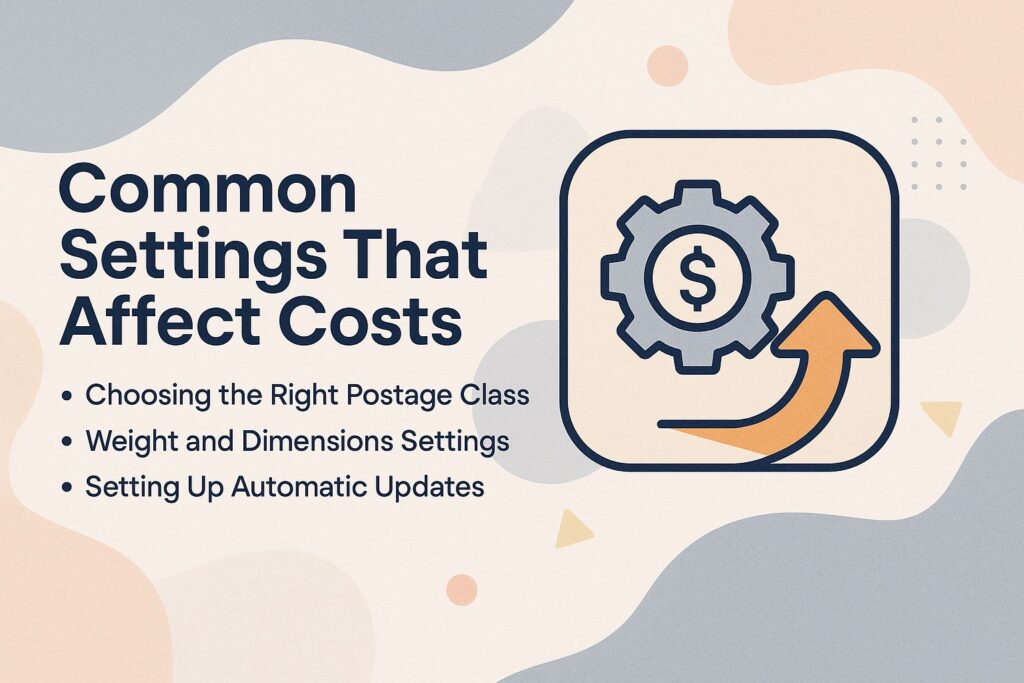
Choosing the Right Postage Class
Selecting the appropriate postage class can result in savings of up to 20% on shipping costs, particularly for bulk mailings.
Consider these common classes and their features:
- First Class Mail: Inexpensive for lightweight items and delivered within 1-3 business days, making it perfect for personal letters and small packages.
- Priority Mail: Typically priced higher, guarantees faster 1-3 day delivery and includes tracking, ideal for urgent shipments.
- Bulk Mail: An option for promotional materials, requiring a minimum of 200 pieces, offering significant savings for businesses.
By assessing the size, weight, and urgency of your items, you can choose the most cost-effective option for your needs.
Weight and Dimensions Settings
Correct weight and size settings can help avoid paying too much; even a small difference can affect postage rates greatly.
To get accurate measurements, buy a good postal scale, which usually costs between $20 and $50. Regularly check the scale’s calibration to avoid discrepancies.
Using a tape measure for dimensions is important-wrong measurements can result in extra charges for large packages. If a box is more than 12 inches but needs to be considered small, the mailing cost may go up by a few dollars.
Double-check your inputs against your postal service’s guidelines, as different providers have unique thresholds for weight and size.
Setting Up Automatic Updates
Regular automatic updates keep your postage meter in line with the latest USPS rules and prices.
To enable automatic updates, start by reviewing your postage meter’s user manual for specific instructions. Most postage meter software can be configured via their settings menu or through associated software. Most devices can be configured via their settings menu or through associated software.
Connect the meter to a reliable internet source, like Wi-Fi or Ethernet. Set it to check for updates daily to avoid lapses in compliance. Remember, manual updates can lead to costly errors; statistics show that 25% of businesses face fines for outdated postage rates.
By automating this process, you can save both time and avoid unexpected costs.
Cost-Cutting Strategies
Using planned ways to reduce expenses can result in big savings for companies on mailing and shipping costs, especially when strategies such as direct mailing cost reductions are considered. In fact, there are several effective approaches that businesses can adopt to achieve this. Learn more about these strategies and how they can be applied for maximum savings.
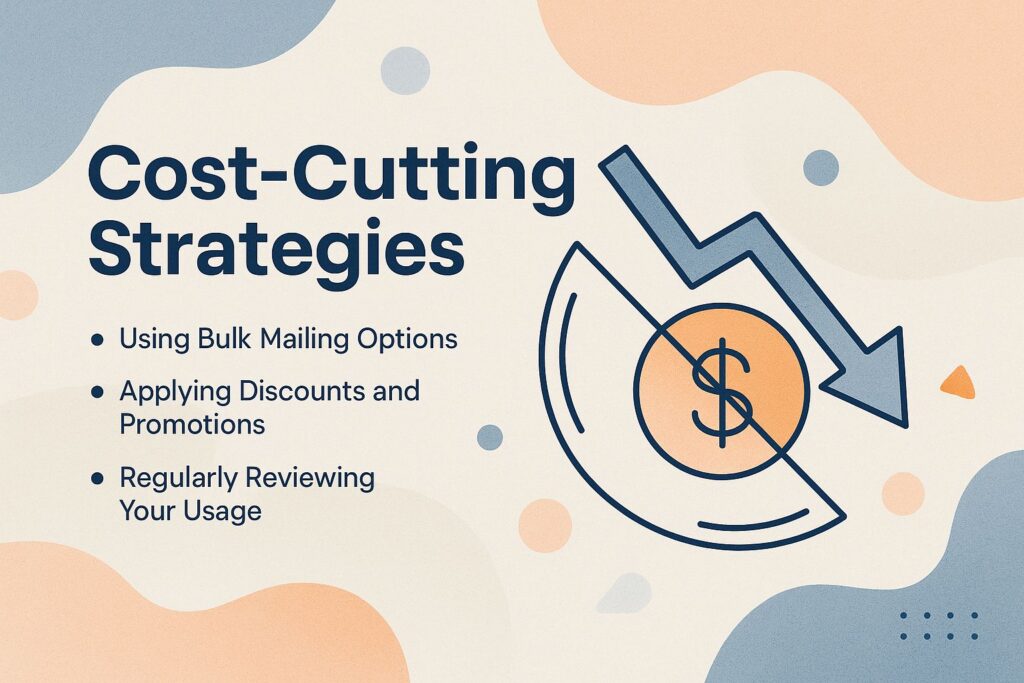
Using Bulk Mailing Options
Choosing bulk mailing can reduce postage expenses by as much as 39%, making it a cost-effective choice for sending a lot of mail.
To take advantage of this savings, businesses should consider mailing at least 200 pieces at once, as this is often the minimum threshold for bulk rates through USPS.
Meet mailing standards by using fixed sizes to get potential discounts. For instance, a local non-profit organization that started using bulk mailing to send newsletters reported a cost savings of over $1,500 yearly.
By using USPS’s Every Door Direct Mail and following their rules, the organization reached more people without going over budget.
Applying Discounts and Promotions
Using USPS discounts can help you save a lot, with some offers cutting mailing expenses by as much as half.
To use these discounts, go to the USPS website and find the ‘Business Solutions’ section. Here, you can find various promotions like the USPS Business Customer Gateway, which allows you to apply for electronic postage discounts.
Track eligibility using this checklist:
- Register for a USPS account;
- Verify your business status;
- Review seasonal promotions.
Using tools like USPS Click-N-Ship or Stamps.com can make your shipping process easier, help you save money, and guarantee on-time deliveries, contributing to better shipping efficiency.
Regularly Reviewing Your Usage
Looking at your mail expenses every three months can show how to save money, reducing costs by up to 15% yearly.
- Start by gathering data from your postage provider, focusing on volume and costs for each service used.
- Next, identify patterns by analyzing which services are used most frequently and their associated costs. Tools like Excel or Google Sheets can help visualize this data with charts.
- Adjust your postage strategies: consider switching to bulk mailing for frequently sent items or exploring alternative carriers that may offer lower rates.
- Implement these changes and monitor the subsequent quarterly reports to assess savings.
Maintaining Your Postage Meter
Regular upkeep of your postage meter is necessary to keep it running smoothly and minimize any possible interruptions.

Regular Calibration and Updates
Regular calibration and software updates improve the functioning of postage meters and make sure postage amounts are calculated correctly.
To effectively calibrate your postage meter, follow these steps:
- First, check the manufacturer’s guidelines for specific calibration procedures, as these can vary by model.
- Usually, you will need a regular weight and a digital scale for exact measurement.
- Next, access the calibration menu on the postage meter, usually found in the settings, and input the measured weight.
- Check the calibration by printing some sample postage to verify accuracy.
For better efficiency, consider using tools like the Pitney Bowes SendPro or Neopost iMeter, which provide automatic software updates and maintenance alerts.
Understanding Error Messages
Recognizing and responding to common error messages on your postage meter can prevent delays and maintain workflow efficiency.
Start by familiarizing yourself with these frequent error messages:
- ‘Paper Jam’ indicates obstructions that need immediate clearing;
- ‘Low Ink’ alerts you to refill soon;
- ‘Calibration Error’ suggests misalignment that can affect printing quality.
For quick fixes of mailing equipment issues, always refer to your user manual for specific troubleshooting steps. Many postage meter models have on-screen guides; follow these instructions to solve the issue. Regular maintenance, like cleaning the rollers and checking connections, can also mitigate errors before they arise, ensuring efficient meter settings.
Summary of Key Takeaways
Main points are choosing the correct postage class, keeping weight settings correct, and checking usage often.
To effectively manage your postage, prioritize selecting the right class based on delivery speed, postage fees, and cost. For example, use First-Class mail for letters that are less than 13 ounces. This service takes 1-3 days to deliver, making the process faster.
Buying a digital scale can help you get exact weight measurements, reducing the risk of extra charges and enhancing mail processing. Check your shipping invoices every month to find patterns that can help you get bulk discounts or change how you handle mail, saving money on postage. Analyzing trends can lead to significant savings and improved efficiency over time.
Encouragement to Optimize Usage
Use the tips we discussed to maximize your postage meter’s use, postage automation, and save money.
Start by regularly reviewing your postage usage and operational costs. Use productivity tools like Pitney Bowes’ SendPro software, which helps track shipping costs and shows your most frequently used services.
Assess your mailing frequency and consider consolidating shipments to reduce costs and improve economic efficiency. For example, instead of mailing several small packages, combine items into one package to reduce mailing costs and improve stock control.
Look into discounts from postal services such as USPS or UPS for sending large quantities; these can lead to big savings in equipment costs.
Additional Resources
For more help with using your postage meter, here are helpful links to guides from manufacturers and other resources.
Links to Manufacturer Guides
Find detailed user manuals and guides from top postage meter companies such as Pitney Bowes and Neopost for thorough information.
For example, you can find helpful resources on the Pitney Bowes website, where they have downloadable guides created for specific models, like the PB 600 series, that help with postage meter installation.
Neopost has a lot of video guides on their YouTube channel that cover topics such as how to begin and how to fix issues, providing detailed information about postage meter training.
By visiting the online help section of either brand, you can look up common questions or ask for help through live chat to fix particular problems quickly, ensuring customer satisfaction.
These resources can help you learn more about postage meters and make mailroom management more efficient.
About the Author
Ethan Cole is a business growth advisor and serial entrepreneur with over two decades of hands-on experience helping startups and small businesses thrive. With a background in finance and operations, he’s led multiple companies from early-stage concepts to multi-million-dollar exits. Ethan specializes in scaling strategies, cost reduction, and building systems that support sustainable growth. As a content contributor for Kwote Advisor, he shares practical insights to help business owners make smarter decisions when launching, managing, and expanding their ventures.