

Is Payroll Software Worth It for Just 2 Employees?
Think payroll is only for larger teams? Think again. Even with just two employees, the decision to invest in payroll software can significantly impact your business. It’s important to consider the advantages, such as time savings and maintaining accuracy, along with the expenses. You’ll also want to consider alternatives and hear real-life examples. Want to find out if payroll software is right for you? Let’s dive in and find out!
🎯 Quick Answer
Understanding Payroll Software
Payroll software calculates wages, handles tax deductions, and generates reports, greatly minimizing mistakes made by hand and saving time. This automation improves how work is done and makes sure taxes are filed correctly.
This software often includes features like direct deposit setup, allowing employees to receive their pay electronically. It also supports compliance by automatically updating tax rates and generating necessary tax forms, such as W-2s, eliminating the risk of non-compliance penalties.
For a small business, tools like Gusto or QuickBooks Payroll provide easy-to-use interfaces and flexible pricing-important as your team expands. By using these solutions, businesses can make their payroll process simpler and spend more time on expanding their business instead of handling paperwork.
Purpose of the Article
This article describes the benefits, costs, and things to consider when setting up payroll software for small companies, particularly those with two employees, offering a detailed analysis of the costs and benefits of this software purchase.
Using payroll software helps make your payroll tasks easier, reduces mistakes, and keeps you following tax rules.
For small businesses with only two employees, try Gusto. It costs $39 per month and handles tax calculations and filings for you. Alternatively, QuickBooks Payroll offers plans from $45/month, integrating seamlessly with accounting software.
Before deciding, consider how simple it is to use, the quality of customer support, and how well it can grow with your needs. Take advantage of free trials offered by many providers to assess which software best meets your needs.
Benefits of Payroll Software
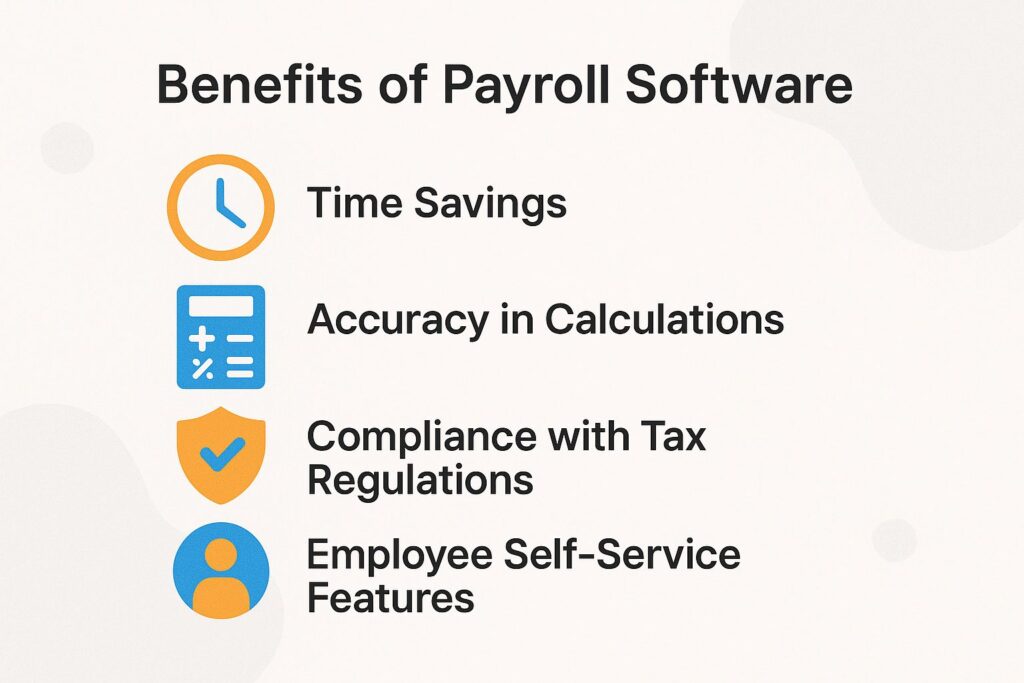
Payroll software speeds up payment processing, improves accuracy, and makes it easier to follow legal rules. This is handy for small businesses with limited resources, as it’s more practical than doing payroll by hand. Curious about which payroll service is best for small businesses? Our analysis provides insightful recommendations.
Time Savings
Implementing payroll software can reduce the time spent on payroll processing from an average of 5 hours per week to just 30 minutes.
This efficiency comes from features like tax calculations and direct deposit, which make tasks that usually need manual work much easier.
For example, software like Gusto automatically generates payroll reports, ensuring compliance and accuracy. Quarterly tax filing alerts help avoid late charges.
Businesses that use automatic payroll systems say they save over 60% of the time they used to spend on administrative tasks. This frees up HR staff to work on planning and important projects instead of doing repetitive calculations. Using this system greatly improves how operations are run.
Accuracy in Calculations
Payroll software improves accuracy by reducing mistakes in calculating wages and following labor laws and rules, meeting industry standards for payroll calculations.
By automating payroll processes, companies can reduce errors that might occur from manual entry. For example, using software like Gusto or Paychex can make payroll calculations easier and help with on-time tax filings, increasing compliance rates by up to 90%.
Businesses that adopt these tools report a 30% decrease in payroll-related discrepancies, leading to higher employee satisfaction. This matters because correct payroll lowers legal risks and helps employees trust management, leading to a positive work environment.
Compliance with Tax Regulations
Payroll software helps follow federal and state tax rules, which greatly lowers the risk of expensive fines.
Gusto and QuickBooks are excellent examples of payroll software that automatically update tax tables to reflect the latest regulations. For businesses seeking efficient tools, it’s worth exploring the top online payroll services for small businesses.
Gusto, for instance, regularly refreshes tax rates and compliance requirements, notifying users of any changes. QuickBooks also integrates these updates seamlessly, providing users with automatic alerts about impending tax deadlines.
This reduces the tasks for payroll teams, ensuring calculations are accurate and up-to-date. By utilizing such tools, businesses can save time and minimize the risk of errors that could lead to financial penalties.
Employee Self-Service Features
Many payroll software solutions offer employee self-service portals, allowing employees to access pay stubs, tax forms, and benefits information directly.
This feature makes employees happier by reducing confusion and speeding up access to information, which directly increases their satisfaction.
For example, platforms like ADP allow employees to view their pay information and get W-2 forms, simplifying tax preparation. The availability of benefits enrollment tools allows employees to manage their options without needing HR intervention, thus minimizing administrative workload.
When employees have self-service options, they can handle tasks themselves. This allows HR teams to work on more important projects.
Costs of Payroll Software

Understanding the cost of payroll software helps small business owners make informed financial decisions by examining expenses to match their business needs. For an extensive analysis, our comprehensive study of payroll service costs can provide valuable insights into budgeting effectively.
Initial Setup Fees
Initial setup fees for payroll software can range from $50 to $500 based on the complexity of the system and the level of customization needed.
Along with initial fees, providers like Gusto (starting at $39/month) and ADP (custom pricing based on company size) may charge ongoing monthly fees.
It’s also wise to factor in mandatory training, which can add another $100 to $300 depending on the software complexity and employee count.
For small businesses, using easy-to-use services like QuickBooks Payroll (starting at $25/month) can make things simpler and cut down on initial expenses and time spent learning.
Monthly Subscription Costs
Monthly subscription fees for payroll software typically range from $20 to $200, depending on the features and number of employees.
For example, Paychex begins at $40 per month, offering strong features like tax management and employee self-service.
In contrast, Square Payroll offers a simpler solution from $35 per month, ideal for smaller businesses, though it lacks advanced HR functionalities.
Gusto bridges the gap with plans starting at $39, offering excellent customer support and an intuitive interface.
When selecting a platform, consider your business size and specific needs, as additional costs may arise for features like direct deposits or year-end tax filings.
Hidden Costs and Additional Fees
Be aware of hidden costs, such as transaction fees for direct deposits or charges for additional features that may not be included in the basic subscription.
To budget effectively for payroll software, consider these common expenses. Many providers impose monthly fees that vary based on the number of employees, while some charge for direct deposit processing, typically around $1 to $3 per employee per pay period.
Charges for tax filing services can escalate, particularly during peak times. To avoid surprises, request a detailed pricing structure and factor in these hidden costs when selecting your software.
Examining user reviews can reveal unexpected charges.
Considerations for Small Businesses
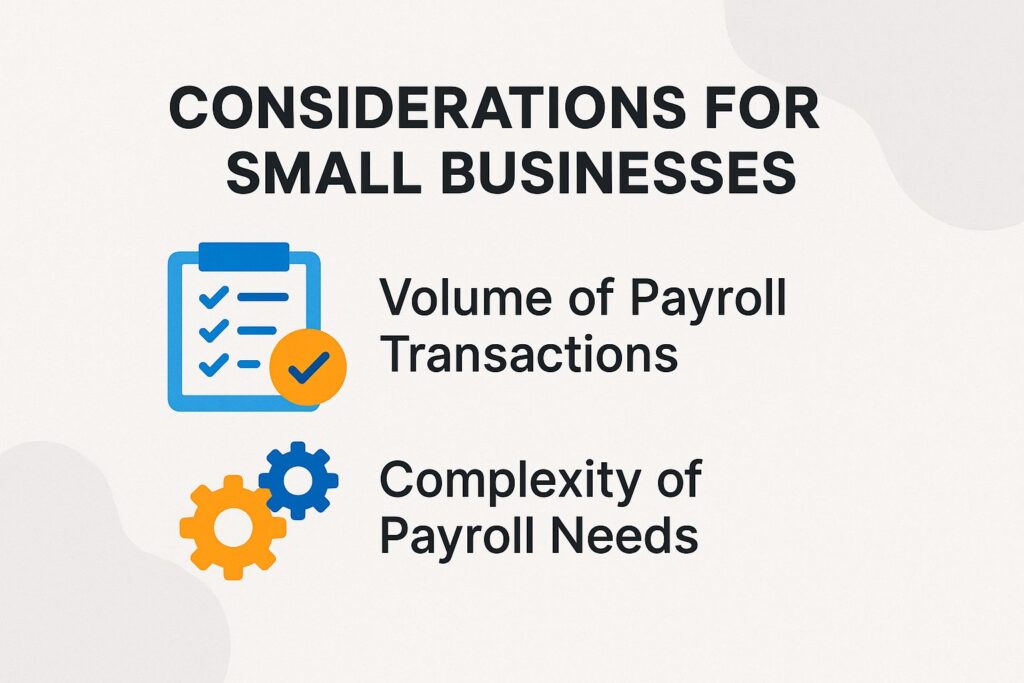
Small businesses need to think about certain factors when choosing payroll software to make sure it fits their particular needs. One of the crucial aspects to consider is identifying the best payroll service for small businesses, which can greatly streamline their operations and compliance processes.
Volume of Payroll Transactions
Assessing the volume of payroll transactions is essential; businesses with fewer than 10 employees may benefit from simpler, more cost-effective systems.
In contrast, larger businesses with payrolls exceeding 50 employees should consider more advanced solutions that handle increased complexity.
For small teams, tools like Gusto offer an easy-to-use interface at a good price, while companies with 50 or more employees might choose ADP, which includes strong reporting and compliance features.
A mid-tier choice, Paychex, serves businesses scaling up, balancing cost and functionality effectively.
Consider your particular needs, such as tax filing or employee self-service, when choosing a payroll system, so it matches your expanding needs and integrates seamlessly with your existing financial software.
Complexity of Payroll Needs
Think about how complicated your payroll requirements might be. For example, companies with different pay rates or benefits will need stronger software solutions.
When selecting payroll software, look for features that align with your specific needs.
For example, if your company has diverse pay rates, a system like Gusto offers flexible pay scheduling and employee classifications.
If you need to handle complex benefits packages, ADP’s Advanced Benefits Management is effective with its connections for health insurance and retirement plans.
For companies with remote workers, QuickBooks Payroll provides easy tax calculations for multiple states, making it a useful option.
Assess these features based on how your organization is set up and how your team works to achieve best performance.
Alternatives to Payroll Software

Small businesses that are unsure about buying payroll software can think about handling it themselves or hiring another company to do it.
Manual Payroll Processing
Handling payroll by hand is cheap but takes a lot of time and can lead to mistakes if not done carefully. This makes it less attractive than online payroll options.
When handling payroll manually, the time investment can be substantial. For instance, a small business might spend 5 hours each month just calculating hours worked and deductions.
This can lead to potential errors in tax calculations, resulting in penalties or employee dissatisfaction, increasing the administrative burden on human resources.
Tools like Gusto or QuickBooks Payroll can make tasks much easier, offering advanced features like time tracking and employee management, cutting down the time you spend on paperwork to just 1-2 hours each month.
Buying software reduces mistakes and lets you concentrate on important work, making it a good decision for most businesses by boosting profits and making office tasks easier.
Using Spreadsheets for Payroll and Employee Payments
Using spreadsheets to handle payroll can connect manual methods with software systems, but it needs careful maintenance and planning to keep data secure and follow rules.
To effectively track and calculate payroll elements using spreadsheets, start by creating dedicated columns for employee names, hours worked, hourly rates, and overtime.
Use formulas to figure out total pay by multiplying hours worked by the pay rate. Add another column for deductions like taxes and benefits to make sure payroll taxes and financial reports are calculated correctly.
Ensuring all formulas are set up correctly can save time and minimize errors. Regularly update your spreadsheet with new employee data and payroll changes, and consider using conditional formatting to highlight discrepancies or overdue items for review.
Outsourcing Payroll Services and Software Alternatives
Outsourcing payroll services to providers like ADP or Paychex allows small businesses to offload time-consuming payroll tasks without the need for software investment, reducing implementation and maintenance costs.
These services help you work faster and lower the chance of expensive errors, providing competitive analysis of software pricing and labor costs. Costs can vary, with ADP starting around $100 per month, while Paychex may charge a base fee plus per-employee costs.
Each provider has unique services. For instance, ADP focuses on solutions that can grow with companies, showcasing scalability and integration capabilities, while Paychex offers strong HR tools along with payroll.
Reviewing these features based on your business needs will help you pick a partner that is effective and dependable.
Case Studies and Software Adoption
Looking at real-world examples can help us understand how payroll software works and affects small businesses, highlighting software adoption and user experience.
Example 1: Small Business with 2 Employees and Free Version Benefits
A small retail business with two employees saved over 10 hours a month using Gusto for payroll processing and tax compliance.
This business started using Gusto, which made payroll tasks easier, letting the owner spend less time on calculations and paperwork.
Initially, payroll processing took about six hours a month; after switching to Gusto, it reduced to just one hour, showcasing the ease of use and efficiency of the user interface. The costs were offset by avoiding IRS penalties and ensuring timely tax payments, thus saving $500 annually.
Workers were happier because their paychecks arrived on time and were correct, creating a better workplace atmosphere and increasing morale.
Example 2: Larger Business Transitioning to Software
A mid-sized company transitioned from manual payroll processing to ADP, resulting in a 25% reduction in payroll errors and improved compliance tracking, emphasizing the importance of compliance software in reducing compliance risks.
The change started by finding problems, like late payroll and wrong tax filings. The company held training sessions so employees could comfortably use the new ADP platform.
During the transition, they established a phased rollout-initially importing historical data before running a parallel payroll for two months. This method reduced interruptions and met the training needs for successful use.
After making changes, the company saw a 15% rise in employee happiness because payments were on time and pay records were easier to access. Using audit trails that work automatically cut down on compliance issues, making documentation more reliable.
Final Thoughts on Payroll Software for Small Teams and Software Features Overview
For small teams, payroll software makes it easier to handle payments and improves collaboration and effectiveness by providing helpful tools for monitoring work output and results.
One standout option is Gusto, which integrates payroll management with benefits and compliance tools, ensuring seamless operations.
Small teams will appreciate its intuitive interface and automation features that eliminate manual errors.
Another reliable option is QuickBooks Payroll, which connects smoothly with accounting software, giving a complete view of finances.
By saving time on payroll tasks, teams can focus on core activities, enhancing overall performance and satisfaction.
It’s essential to evaluate features based on your specific needs, such as tax management, employee access, and customizability, to make the best decision for strategic planning and business growth.
Recommendations for Business Owners and Vendor Selection
Business owners should evaluate their unique payroll needs and consider software solutions like Gusto or QuickBooks that fit their budget and requirements, focusing on software comparison and features checklist.
Look at important features for your business, like automatic tax calculations, direct deposit choices, mobile access, and integration with accounting systems.
For instance, Gusto offers a user-friendly interface and integrates well with various HR tools, starting at $39 per month plus $6 per employee, emphasizing software market trends and user-friendliness. QuickBooks, while having a similar price, stands out with its strong accounting abilities, reporting capabilities, and detailed reporting choices.
Prioritize customer support; both platforms provide extensive online resources, but Gusto’s 24/7 chat support might be advantageous for quick resolutions, highlighting support services and improving user experience.
About the Author
Ethan Cole is a business growth advisor and serial entrepreneur with over two decades of hands-on experience helping startups and small businesses thrive. With a background in finance and operations, he’s led multiple companies from early-stage concepts to multi-million-dollar exits. Ethan specializes in scaling strategies, cost reduction, and building systems that support sustainable growth. As a content contributor for Kwote Advisor, he shares practical insights to help business owners make smarter decisions when launching, managing, and expanding their ventures.